Зображення
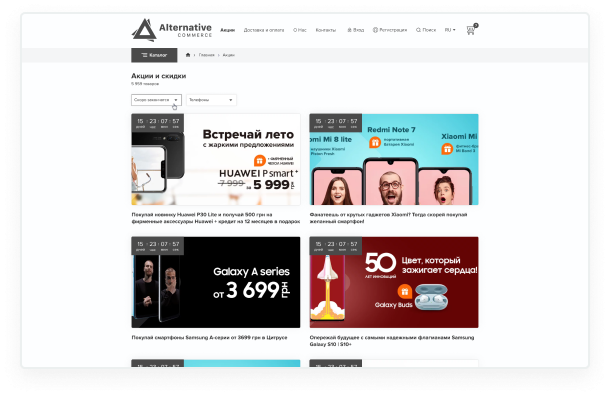
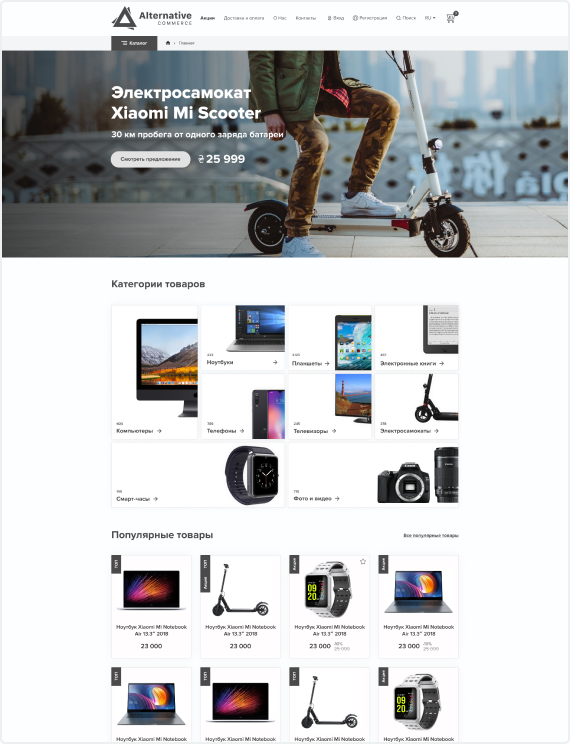
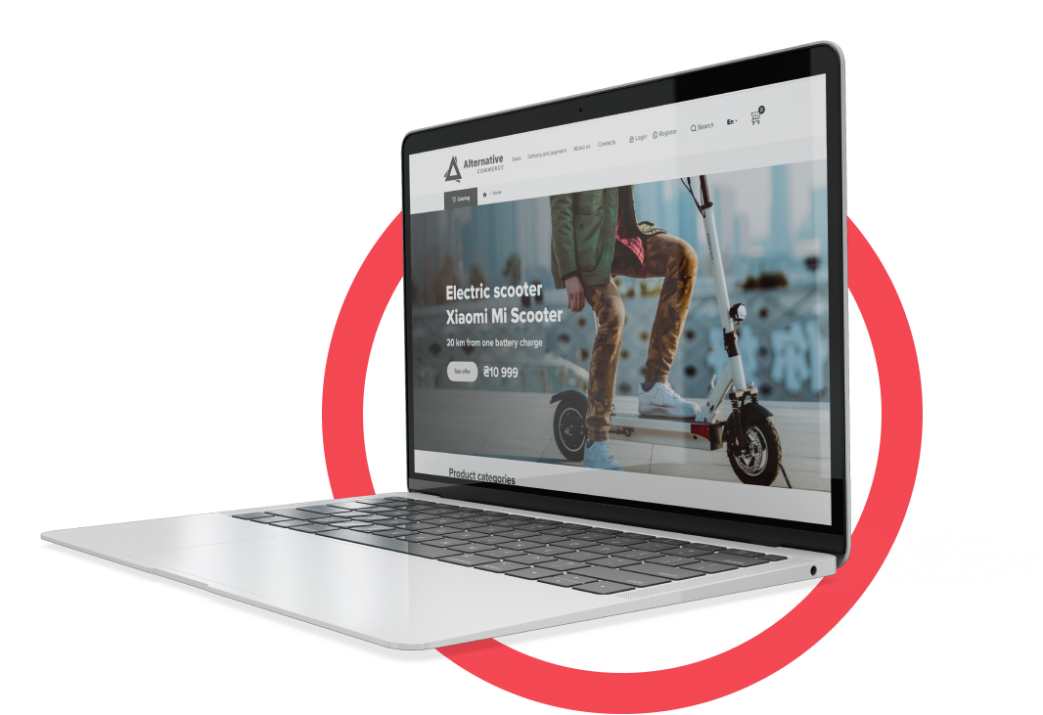
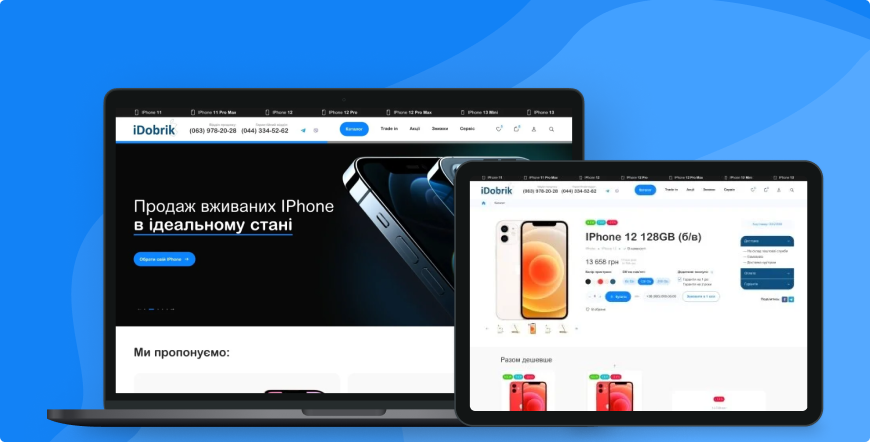
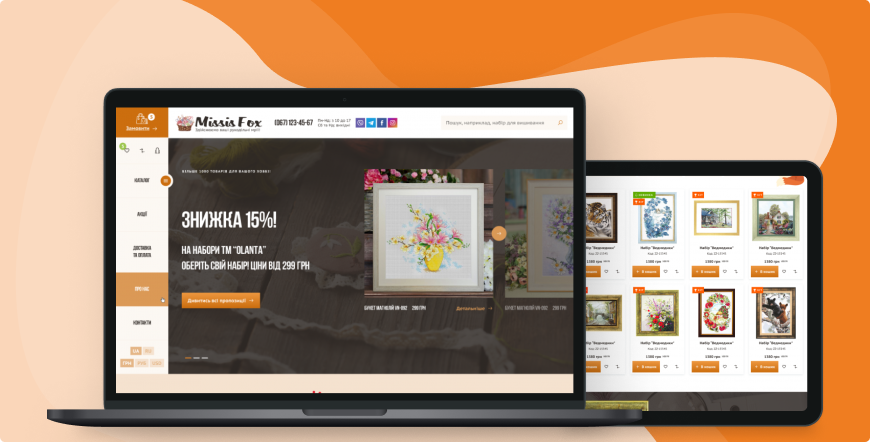
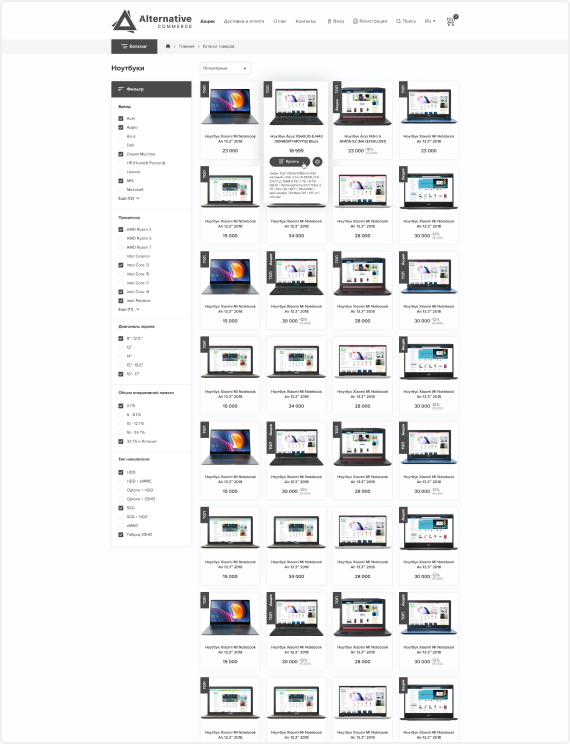
Example AlternativeCommerce site in laptop

Why alternative commerce?

stores
320+

Stores in Ukraine already running on our Drupal-based solution

modules
400+

Modules – everything for launch, payment, delivery and SEO optimization
 

years of experience
3+

Years of experience in creating,
supporting and developing e-commerce projects
 

Drupal support
8, 9, 10, 11

Drupal support – full compatibility
with modern system versions

Your free Drupal shop
Integrations
Work examples at AlternativeCommerce
Інтернет-магазин Safarova
Інтернет-магазин FSPro
Інтернет-магазин Magic Moment Toys
Інтернет-магазин proBaby
Інтернет-магазин MetaLList
News
""
Free online store: is it really possible?

Selling goods online is one of the most popular forms of business. Thousands of online stores are created and launched every day, and the demand for them continues to grow.

""
An open-source online store is a ready-made solution for your business.

Creating a turnkey online store is a lengthy and relatively expensive process. To achieve desired results, you'll need a significant budget and a lot of time.
""
A free online store is the best solution for small businesses

Creating a company website or an online store is a challenging and time-consuming process that requires substantial expenses.

""
Why is a free online store beneficial?

Creating an online store is a crucial business process that helps entrepreneurs focused on online sales to develop their business.

Computer
Ready to use website
But if you need any customization or support you have it! Our suppor team ready to start now!
CAPTCHA
Several time reply 1-2 hour in the work time
Help with deploying a store on Drupal

There is a problem with translations - “This may be caused by a problem with file or directory permissions.”

There is a problem with translations - “This may be caused by a problem with file or directory permissions.”

This error is related to the access rights to the folder. The translation folder that is configured as “sites/default/files/translations”. You need to check the rights to the folder. Or go to “/admin/config/media/file-system” and re-save the settings so that Drupal will try to reconfigure the folders and their permissions.

When you delete languages, the content is displayed incorrectly. That is, part of the menu is in English, the rest of the nodes are in Ukrainian. There is only one Ukrainian language left. How do I change it to Ukrainian?

When you delete languages, the content is displayed incorrectly. That is, part of the menu is in English, the rest of the nodes are in Ukrainian. There is only one Ukrainian language left. How do I change it to Ukrainian?

The content remained in its original language. Not all of it was created in Ukrainian, but was translated into it. You can change it to Ukrainian only if there is no translation of this content. That is, you need to delete the translation and change the original language. Also, when you delete languages, translations are automatically deleted, and then you can simply specify the language and new text. For example, the menu item

Drupal setting translation

Similarly, in sliders and nodes, you can change the original language. 

What is the administrator login and password?

What is the administrator login and password?

The archive that you received by email contains the file “ARCHIVE_INSTALLATION.txt”, which contains the current data for logging into the administrative part of the site. You can also always change the password via drush command “drush upwd admin NEW_PASS”

Can you tell me how to disable multilingualism? I need only Ukrainian.

Can you tell me how to disable multilingualism? I need only Ukrainian.

You don't have to remove all unnecessary languages, but simply disable them through the “disable_language” module https://www.drupal.org/project/disable_language This module is already installed on the build. In the “/admin/config/regional/language” section, edit and disable unnecessary

Drupal setting language

perfectmoney https://www.drupal.org/project/perfectmoney after installation on the build will it work immediately or do I need to activate it somehow?

perfectmoney https://www.drupal.org/project/perfectmoney after installation on the build will it work immediately or do I need to activate it somehow?

You will need to add an item in the payment systems section /admin/basket/settings-payment and select the service

drupal setting LiqPay

you will have the perfectmoney service). You can also edit the current ones by clicking on the gear icon 
 

I wonder if it's possible to add a cryptocurrency payment method to the build?

I wonder if it's possible to add a cryptocurrency payment method to the build?

You can install modules that are already available https://www.drupal.org/project/etherapi  https://www.drupal.org/project/bitaps and others. Or you can develop your own payment module for the desired system

freehelpbg
Lottie file
Free help for Alternativecommerce owners